
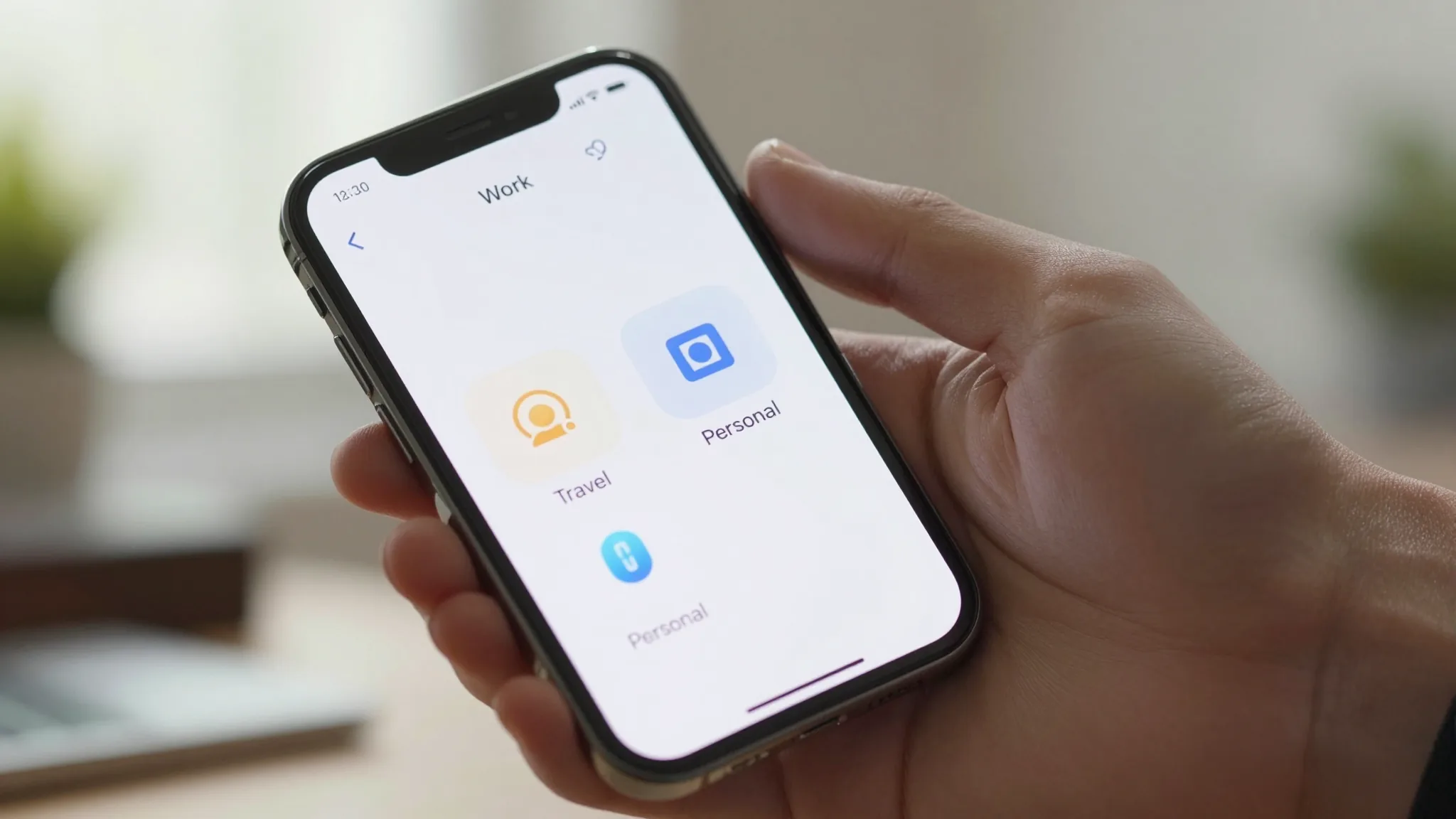
A phone can store several eSIM profiles, but its storage limit and the number of lines it can use at once are separate limits. The exact number depends on the device model, the operating system version, and the carrier policies in your region. This guide explains the real limits, how to manage multiple profiles safely, and what to avoid when you travel or separate work and personal lines. Related reading: eSIM Support: Which Phone Models Work?.
Storage Limits by Device Type
Smartphone manufacturers set both a software ceiling and a hardware ceiling for eSIM storage. Check the manufacturer’s specifications for your exact model and region to find both its stored-profile limit and its simultaneously active line limit. Storage limits vary by phone model, so check the exact device specifications and the mobile provider’s requirements before adding another profile. A profile download can fail for several reasons, including device capacity or provider restrictions. Check the device message and provider instructions rather than assuming deletion is required. Related reading: Do offline translation packages still use data?.
When you scan a QR code or enter an activation code, the phone writes the profile into its embedded secure chip. Stored profiles use device capacity, so check the profile list and the exact model’s limit before installing another plan. If the device reports insufficient capacity, ask the provider how an existing plan can be reinstalled before deleting its profile.
How Many Can Be Active at Once?
The distinction between stored and active profiles is critical for daily use. Storing a profile does not mean that its line can be used at the same time as every other stored line; the supported active-line combinations depend on the model. Depending on the model, dual-SIM dual-standby can use one eSIM and one physical SIM, or two eSIMs. Some phone models allow two active eSIMs at the same time, while other models require a physical SIM for the second line. Select the intended line for mobile data and check the device settings for calls, messages and any automatic switching; these options vary by device and plan.
When enabling another profile, check which existing lines will remain available under the device’s supported configuration. Do not assume a stored profile can stay active alongside every other line. If your needs exceed that configuration, confirm an alternative with the device maker and provider; internet calling is not an additional active cellular line.
Practical Steps to Install and Switch
Before adding a new eSIM, check your current count in the cellular settings menu. The interface usually shows a list of labeled profiles with toggle switches. To install a new plan, open the carrier’s app or scan the QR code provided by the service. The phone will prompt you to assign a label such as “Travel” or “Work” so you can identify the line later. After installation, check whether the profile is enabled, which line supplies mobile data, and when the provider starts the plan’s validity period.
Switching between profiles takes only a few taps, but each switch can cause a brief loss of signal as the device re-registers on the new network. Disable an unused profile rather than deleting it.
Deleting a profile may require a new installation method or provider assistance. After a trip, disabling a stored profile preserves it while you check whether the plan remains valid and can be used again.
Risks and Low-Risk Troubleshooting
A full profile list can prevent another installation, while incorrect line selection can lead to unexpected mobile-data charges. Check the selected data line and any automatic switching before travel. Roaming settings must match the provider’s instructions: some travel plans need roaming enabled, while a home line may incur charges abroad. Confirm activation, switching and validity conditions with the provider.
If a new eSIM fails to install, first verify that your phone model and region support the profile. Update the operating system to the latest version, then restart the device before retrying. If the QR code is rejected, ask the provider to check its validity and whether it can be reused. If the installed profile cannot connect, follow the provider’s troubleshooting steps for line selection, coverage and network settings; reconnecting or restarting does not guarantee service. Before deleting a profile, confirm the provider’s reinstallation procedure and whether a replacement activation code is required; a saved code may not be reusable.
The number of eSIMs a phone can hold depends on its model and operating system. Distinguish the stored-profile limit from the active-line limit, and verify both for the exact model and region. Disable an unwanted profile and check which line provides mobile data. Confirm the provider’s reinstallation method before deleting a profile. Restarting the phone may be a troubleshooting step, but it does not guarantee a connection.
Bitcoin has moved sharply lately, so the upside and the risk need to be measured together.
Checking network fees and platform rules before a transfer is especially important for beginners.
The article explains wallet security, exchange selection, and risk control in a practical way.