
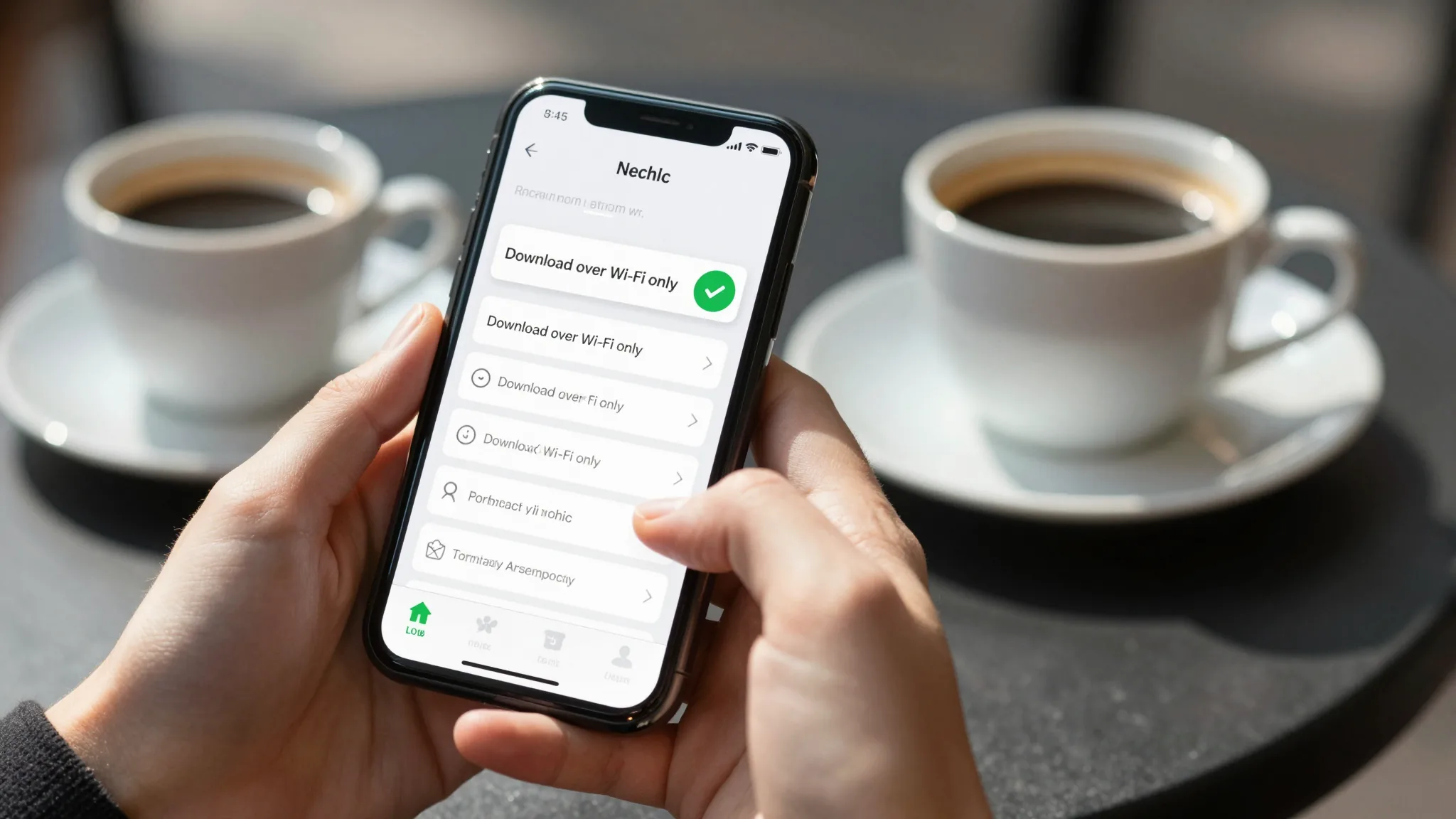
Once downloaded, offline translation packages no longer consume mobile data during daily use. Users simply need to pre-download the corresponding language packs in an environment with internet access. Subsequently, even in areas without network connectivity or weak signal, the app can still utilize local caches to perform text, voice, or camera-based translation. This mechanism significantly reduces data anxiety during international travel, in underground spaces, or in remote areas, and is the core value of offline functionality. Related reading: morocco prepaid esim guide practical steps for travelers.
The actual effectiveness of offline packages depends on two prerequisites: first, the language pack must be fully downloaded and verified; Related reading: Beyond the Hype: Real eSIM Coverage in this region for Travelers.
second, the app must not have been accidentally cleared due to version updates or cache cleanup. Some apps display a prompt such as “Offline mode enabled” upon first launch. If no such prompt appears, users should manually navigate to settings to confirm the download status. Additionally, offline translation accuracy is generally slightly lower than that of online neural network models, especially when handling new words, slang, or complex sentence structures. Users are advised to evaluate the reasonableness of results in context.
Offline Package Download Process and Data Usage Control
When downloading language packs, it is recommended to prioritize Wi-Fi connections to avoid additional charges under mobile data. Most translation apps offer a “Download over Wi-Fi only” option, which users can enable in settings. Once downloaded, the system automatically marks the language as “Downloaded” and disables subsequent automatic update prompts. If device storage is limited, users may selectively download frequently used languages and delete unused packages to free up space.
Some apps allow downloads via mobile data without Wi-Fi, but this requires explicit user authorization. This setting is typically hidden under sub-menus such as “Data Usage” or “Network Preferences.” Accidental activation may result in charges beyond the user’s data plan. It is recommended to disable the “Allow mobile data download” option and only enable it manually in emergency cases. After download completes, the app will prompt “Offline translation is ready,” allowing normal use in flight mode or areas with no signal, such as underground parking garages.
Functional Limitations and Workarounds in Offline Mode
Offline translation is not fully functional. High-load modules such as real-time camera translation and voice simultaneous interpretation often rely on cloud computing or dynamic dictionaries and may be unavailable or experience delays in offline mode. Users should consult the “Offline Features” section within the app to confirm which translation types are supported in the current version. For example, text translation is typically fully preserved, while voice recognition may degrade to keyword matching.
If offline translation results appear abnormal, users can try clearing the app cache or re-downloading the language pack. Older app versions may experience compatibility issues after system updates, causing offline packages to fail loading. In such cases, check the app store for updates and ensure the operating system is up to date. Language packs that have not been used for an extended period may suffer from outdated vocabulary, leading to reduced translation quality. It is recommended to update commonly used language packs quarterly.
Offline Package Management and Storage Optimization
Language pack file sizes typically range from 50MB to 200MB, depending on language complexity and vocabulary depth. Users can view the size of each package via the “Downloaded Languages” list within the app and delete unused languages to free up space. Some apps support “Smart Cleanup,” automatically removing language packs not accessed for over 90 days, which is ideal for mobile devices with limited storage.
For frequent international travelers, it is recommended to plan language pack combinations in advance. For example, trips to Southeast Asia may require Thai, Vietnamese, and Indonesian;
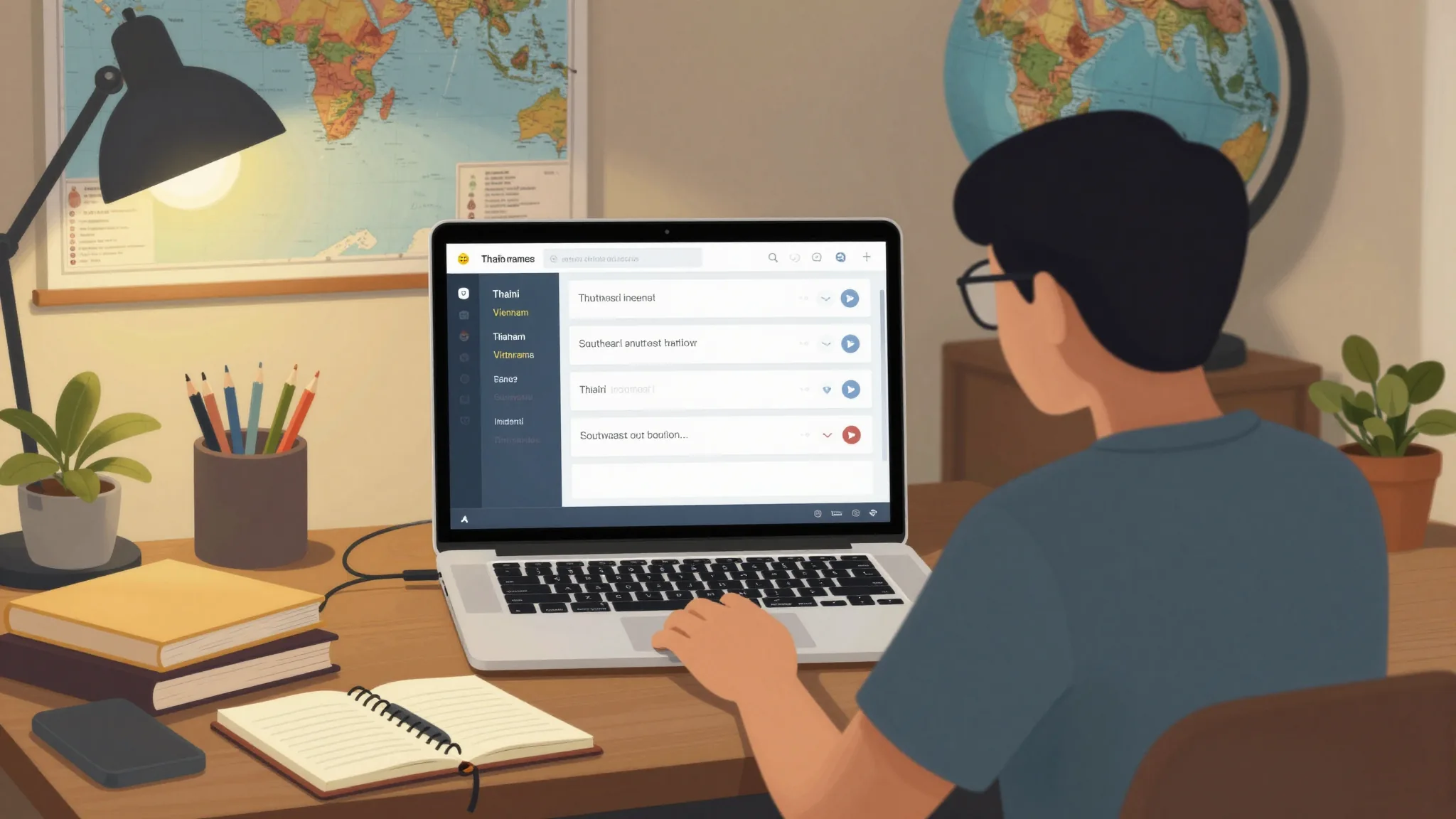
European itineraries should cover French, German, and Spanish. After downloading, save a screenshot of the language pack list to your photo album for quick reference when restoring offline environments after device loss or replacement. Additionally, regularly check the “Auto-update” option in app settings to avoid background downloads during peak data usage periods.
Applicable Scenarios and Risk Warnings for Offline Translation
Offline translation is most suitable for environments with weak network coverage, such as airports, subway tunnels, or mountain hiking trails. In these settings, users can rely on pre-downloaded language packs to complete basic tasks like asking for directions, ordering food, or reading road signs. However, for translations involving specialized terminology, medical consultations, or legal documents, online mode is strongly recommended to ensure accuracy and contextual appropriateness.
When using offline translation, users should be aware of privacy risks. Some apps may still record user query logs in offline mode for future model optimization. For users concerned about data privacy, disable options like “Usage Statistics” or “Diagnostic Data” in settings. Furthermore, offline packages are not encrypted during storage. If a device is lost or stolen, downloaded language packs may be accessed by unauthorized individuals. It is recommended to enable device lock screen passwords and regularly clean up unused language packs.
Troubleshooting checklist: 1. Confirm the language pack is downloaded and status is “Enabled”; 2. Check if “Offline Mode” is turned on in app settings; 3. Verify if the device is in airplane mode or has no network connection; 4. Try clearing the app cache or restarting the device; 5. If the issue persists, uninstall and reinstall the app, then re-download the language pack.
Bitcoin has moved sharply lately, so the upside and the risk need to be measured together.
Checking network fees and platform rules before a transfer is especially important for beginners.
The article explains wallet security, exchange selection, and risk control in a practical way.