
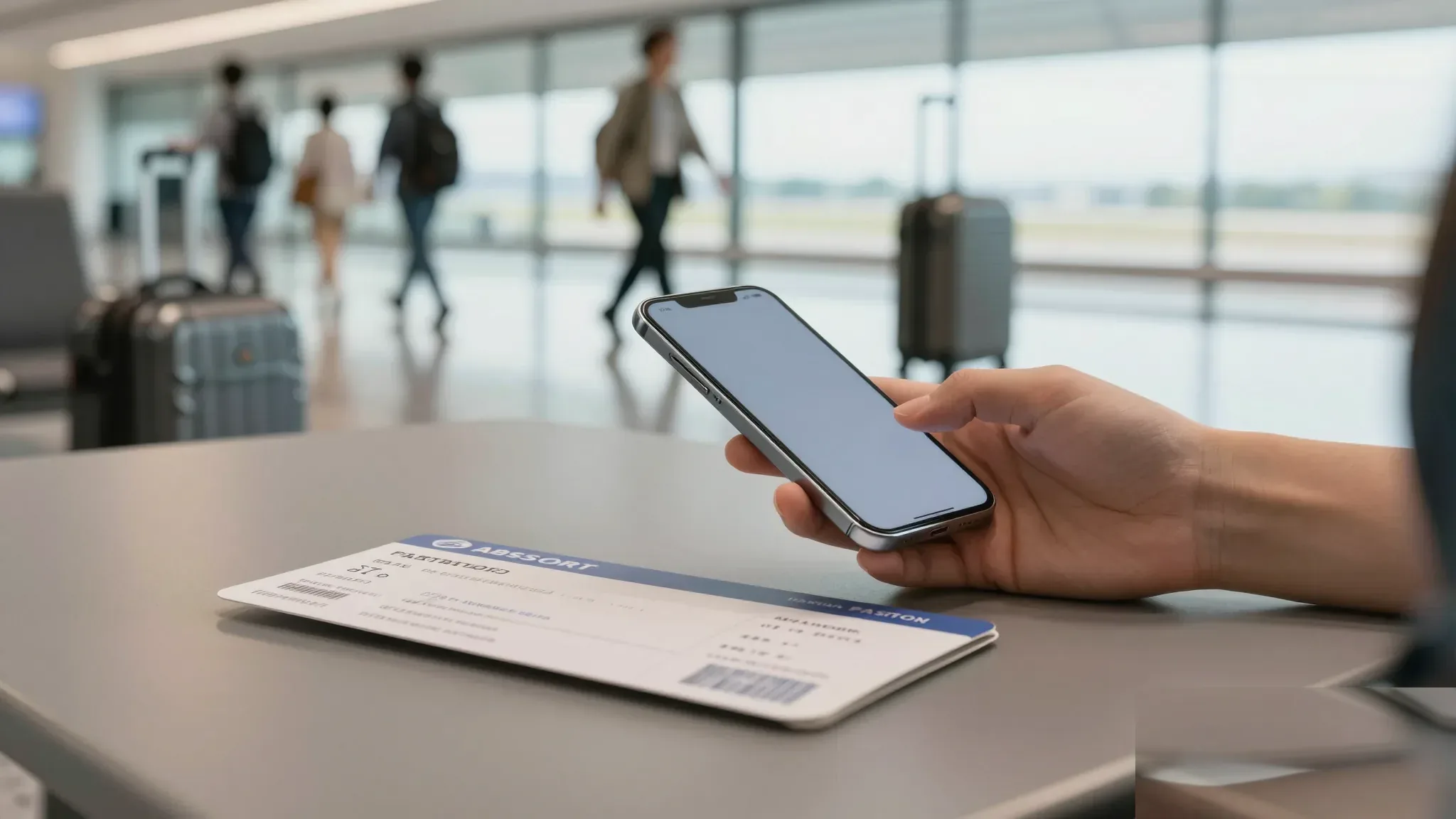
If you are planning a short trip and want mobile data the moment you land, a prepaid eSIM is the fastest way to stay online without queuing at a kiosk or swapping a physical card. Unlike a local prepaid SIM, which usually requires a passport scan and in-person registration, a travel eSIM can be purchased online, installed by scanning a QR code, and activated before or shortly after arrival. This guide walks through the practical decisions, common pitfalls, and the step-by-step process so you can choose a plan that matches your itinerary and device.
The key advantage is convenience and predictability: data bundles are priced up front, supported networks are listed in advance, and there is no contract or deposit. The trade-off is that voice calls and SMS are typically not included, and not every phone is eSIM-capable. Knowing these limits up front helps you avoid the most frequent complaints travelers report, which are almost always linked to device compatibility, plan timing, or coverage assumptions rather than the eSIM technology itself.
Why travelers keep running into the same eSIM problems
Most failed activations come down to a handful of recurring causes. The first is a locked phone: if your device is tied to a carrier contract or was bought through a plan that restricts SIM changes, it will reject the eSIM profile. The second is region locking, where handsets sold in some markets simply refuse any eSIM issued outside their home region. The third is timing: travelers install the profile while still connected to their home network, then expect it to switch automatically the moment the plane lands, only to find it never starts.
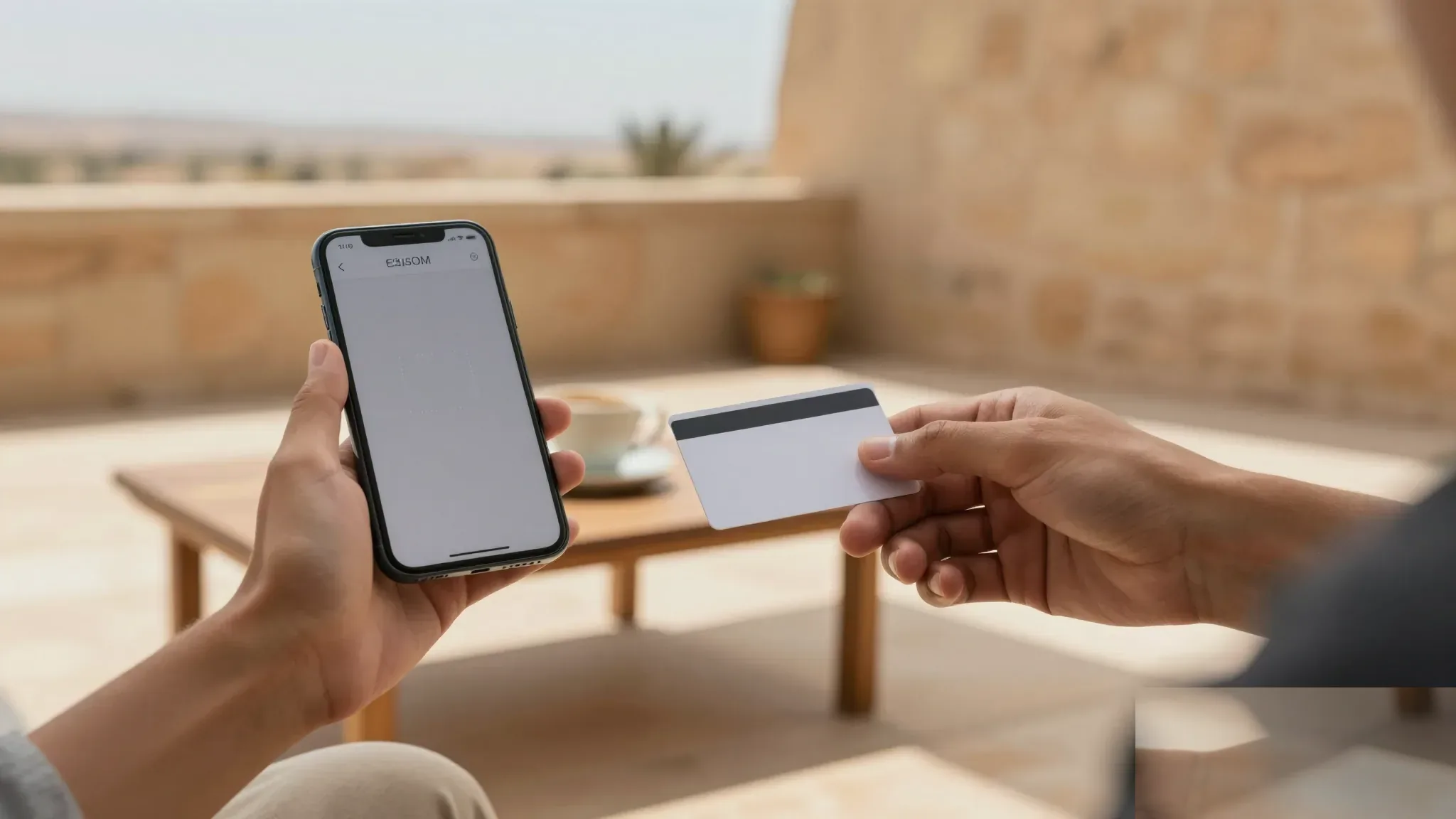
Another frequent issue is misunderstanding what the plan actually covers. Some bundles are data-only, some include a fixed number of days, and a few are regional rather than country-specific. If your trip involves a layover in a neighboring country, a single-country plan may not cover the connection you need. Finally, several travelers discover too late that their phone reserves one eSIM slot, so a profile already installed from a previous trip can block the new installation.
What should I check before buying a prepaid travel eSIM?
Run through this short list before you pay. Confirm your phone is eSIM-capable and unlocked, ideally by finding the IMEI number in your settings and checking it against the manufacturer’s compatibility list. Decide how much data you realistically need based on the length of your stay and whether you will rely on messaging apps, maps, and video calls. Then look at the network coverage map for the specific regions and tourist corridors you will visit, paying attention to desert routes, river cruises, and remote archaeological sites where signal is historically weaker.
It is also worth checking whether the plan starts at activation or at first use, whether tethering is allowed, and whether the data is throttled after a soft cap. A plan that looks cheap per gigabyte may slow to unusable speeds once you cross a daily threshold, so read the fine print rather than the headline price.
How do I install and activate the eSIM correctly?
Start by purchasing the plan from a reputable provider and saving the QR code or activation code on a device other than the one you will install it on, since you usually cannot scan a code displayed on the same screen. Connect to a stable Wi-Fi network, open your phone’s cellular settings, choose “Add eSIM” or “Add data plan,” and scan the code. Label the profile clearly, for example “Trip 2026,” so you can identify it later if you travel with multiple profiles stored.
Before departure, set the new profile as your data line and turn on data roaming for that specific line only. Do not delete the profile after the trip unless you are sure you will not return, because some providers charge a re-installation fee. If you want to keep your primary number reachable for OTPs, leave your home SIM in place for calls and SMS while routing mobile data to the eSIM.
What risks and limitations should I plan around?
The biggest practical risk is coverage gaps in remote areas. While prepaid eSIMs work well in major cities and resort corridors, signal can drop on long desert drives or at certain heritage sites far from the nearest tower. Download offline maps and keep a paper backup of key addresses and booking confirmations. Battery drain also increases when the phone constantly searches for a roaming partner, so carrying a small power bank is wise.
Another limitation is customer support: if something goes wrong, you may be dealing with an overseas ticket system, not a local shop. Screenshot the confirmation email, plan details, and support contact in case you need to escalate. Finally, be aware of the legal and registration rules for any physical SIM you might consider as a backup. Local prepaid SIMs typically require a passport scan and in-person registration, which adds time and is not always practical on a tight schedule.
How can I make sure the eSIM actually works on day one?
Test the connection before you leave home by installing the profile, switching the data line, and loading a webpage. If it fails, you still have time to contact support or switch providers. On arrival, give the phone a few minutes to register on a partner network, and confirm that mobile data, data roaming, and the APN settings are all switched on for the eSIM line. If you see a signal but no data, toggling airplane mode for thirty seconds usually forces a fresh registration.
For longer stays, consider buying a slightly larger bundle than you think you need, because running out of data on day three is far more disruptive than spending a few dollars extra up front. Keep the receipt and the confirmation email until the plan expires, in case you need to dispute a charge or request a top-up.
Bitcoin has moved sharply lately, so the upside and the risk need to be measured together.
Checking network fees and platform rules before a transfer is especially important for beginners.
The article explains wallet security, exchange selection, and risk control in a practical way.