
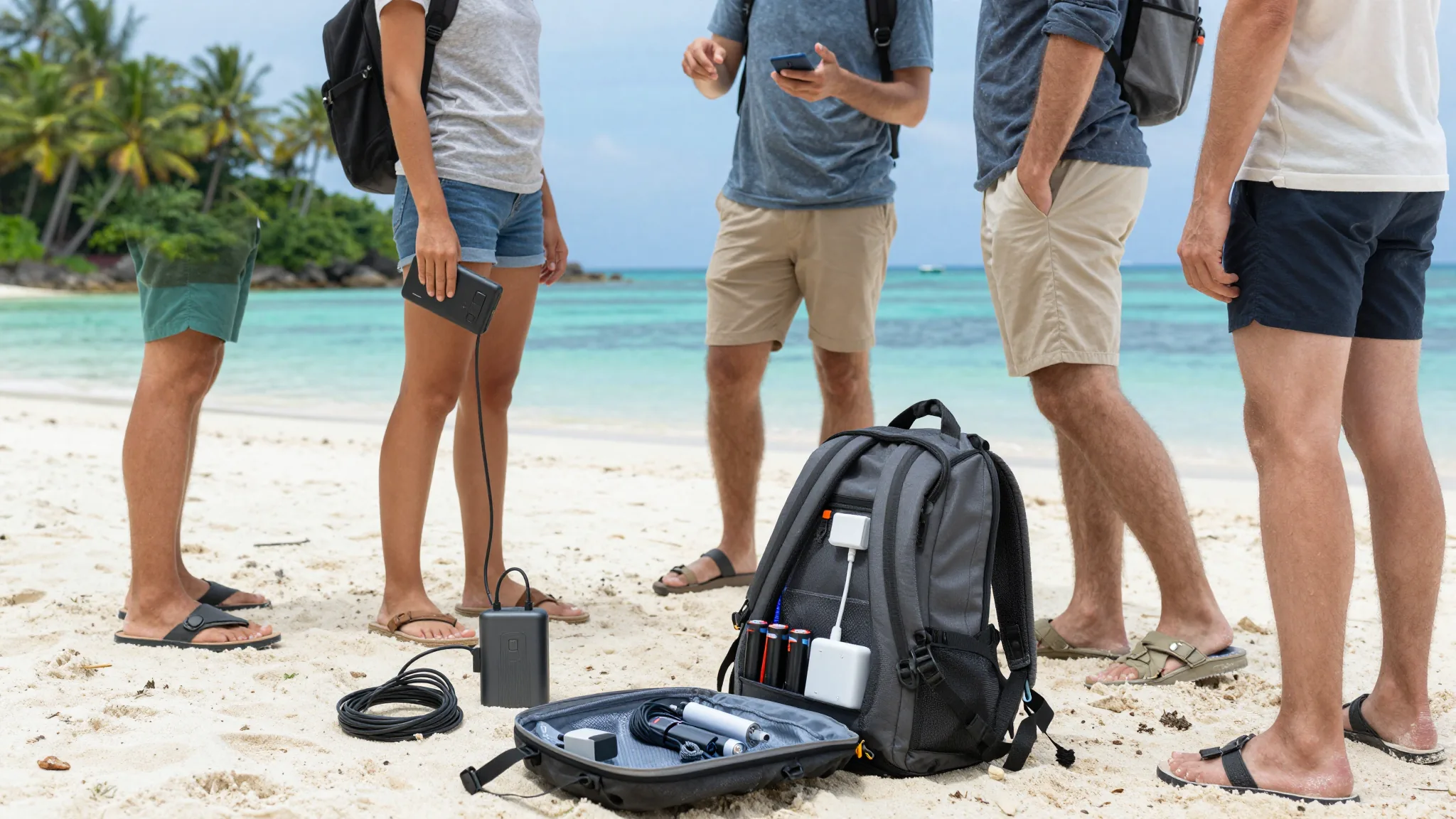
Most travelers need between 3 and 15 GB of mobile data for a short trip to Malaysia, depending on trip length, daily habits, and whether they stream video or work remotely. Light users who rely on Wi-Fi for heavier tasks and only use mobile data for maps, messaging, and occasional browsing can often stay within 3 to 5 GB for a week. Heavy users who stream video, make video calls, share hotspots, or upload content regularly should plan for 10 to 30 GB or more, especially for trips longer than ten days.
The right amount of data depends on how you use your phone, not just how long you stay. Before choosing a plan, estimate your daily needs, add a buffer for unexpected usage, and account for patchy coverage in some areas where you may need to switch between mobile data and Wi-Fi. This article breaks down how to calculate your needs, what drains data quickly, and how to avoid running out mid-trip.
How to Estimate Your Daily Data Usage Before You Go
Start by listing the activities you actually do on mobile networks during a typical travel day. Mapping and navigation usually consume a modest amount of data, while messaging and email are very light. Web browsing takes only a few megabytes per page, so even an hour of continuous browsing uses roughly 50 MB. Social media scrolling is more demanding because images and short videos load automatically, often pushing usage into several hundred megabytes per day.
Next, assign a realistic daily estimate for each habit. A traveler who checks messages, uses maps, and browses news may use 200 to 400 MB per day. Someone who watches videos, makes calls over internet apps, or uploads photos and short clips can easily exceed 1 GB per day. Multiply your daily estimate by the number of days you plan to stay, then add a 20 to 30 percent buffer for buffering, automatic updates, and the occasional longer session than expected.
What Activities Use the Most Data During a Trip
Video streaming is the single largest data consumer on most smartphones. Streaming standard-definition video can use around 1 GB per hour, while higher-quality video can consume significantly more. Video calls also drain data quickly, with an hour-long call over an internet calling app typically using between 0.009 and 0.02 GB. If you work remotely and attend several calls a day, this alone can determine whether you need a 5 GB plan or a 30 GB plan.
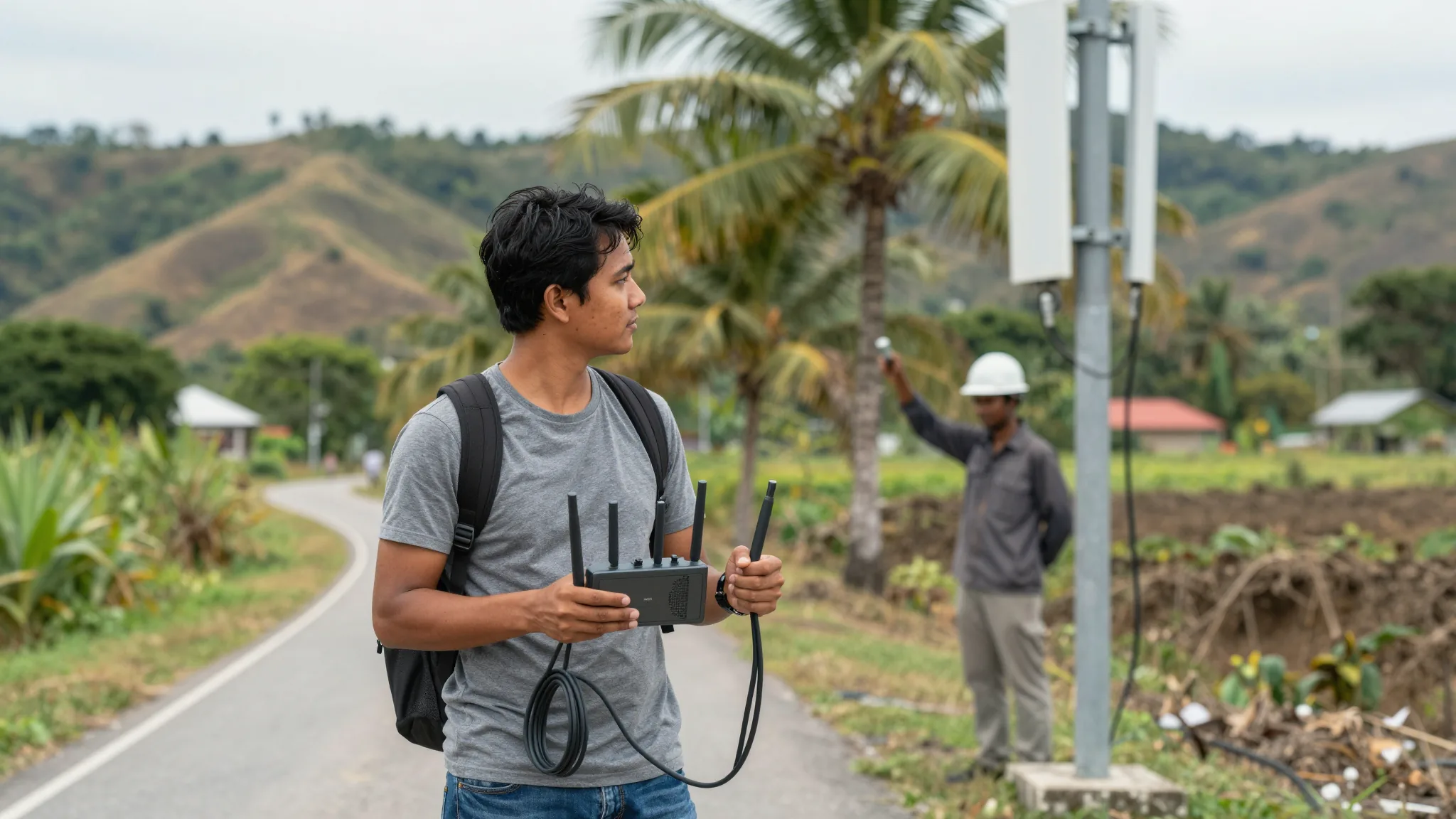
Sharing your phone as a hotspot multiplies your usage because other devices connect through your mobile connection. A laptop browsing the web, syncing cloud files, or downloading software can consume data far faster than a phone alone. Social media apps also use more data than many travelers expect because feeds preload images and videos. If you disable auto-play and download content for offline viewing when on Wi-Fi, you can often reduce daily consumption by a meaningful margin.
How Much Data Do You Need in Malaysia for Common Trip Lengths
For a short trip of about seven days, most travelers are comfortable with 3 to 5 GB if they mainly use maps, messaging, and light browsing. Travelers who watch some video or make regular calls should budget closer to 5 to 8 GB. For a two-week stay, most people need around 5 to 10 GB for basic connectivity, while heavier users who stream content or work remotely should plan for 15 GB or more. For a month-long trip, light users relying on hotel and cafe Wi-Fi may manage with around 15 GB, while frequent streamers and remote workers often need 30 GB or unlimited access to stay comfortable.
These ranges assume a mix of mobile data and available Wi-Fi. In practice, you will alternate between the two: use mobile data for navigation and messaging while on the move, then switch to Wi-Fi for downloads, backups, and long video sessions. Keeping this habit reduces the chance of exhausting your plan before your trip ends.
How to Avoid Running Out of Data Mid-Trip
monitor your usage regularly through your phone settings so you can see how much you have consumed each day.
turn off automatic video playback in social media apps and download videos for offline viewing when you are connected to Wi-Fi.
avoid large cloud backups and app updates while on mobile data, and schedule them for Wi-Fi sessions instead. Finally, keep an eye on hotspot usage because connected laptops and tablets can consume data much faster than expected.
If your usage is unpredictable, choose a plan with some flexibility rather than the smallest option available. A modest buffer costs more upfront but avoids the disruption of running out of data in a new location. In areas where coverage may be patchy, having a little extra data also gives you room to navigate and communicate without relying entirely on public Wi-Fi. The goal is not to buy the most data possible, but to match your plan to your real habits with enough margin to stay connected throughout your trip.
Bitcoin has moved sharply lately, so the upside and the risk need to be measured together.
Checking network fees and platform rules before a transfer is especially important for beginners.